
IPTV in the USA5 min read
IPTV Subscription USA: What to Sort Out Before You Pay
A short pre-payment checklist for American buyers: dollars and cents, payment and refunds, time zones, devices and internet — sorted before you subscribe.
By CatchON TV Team
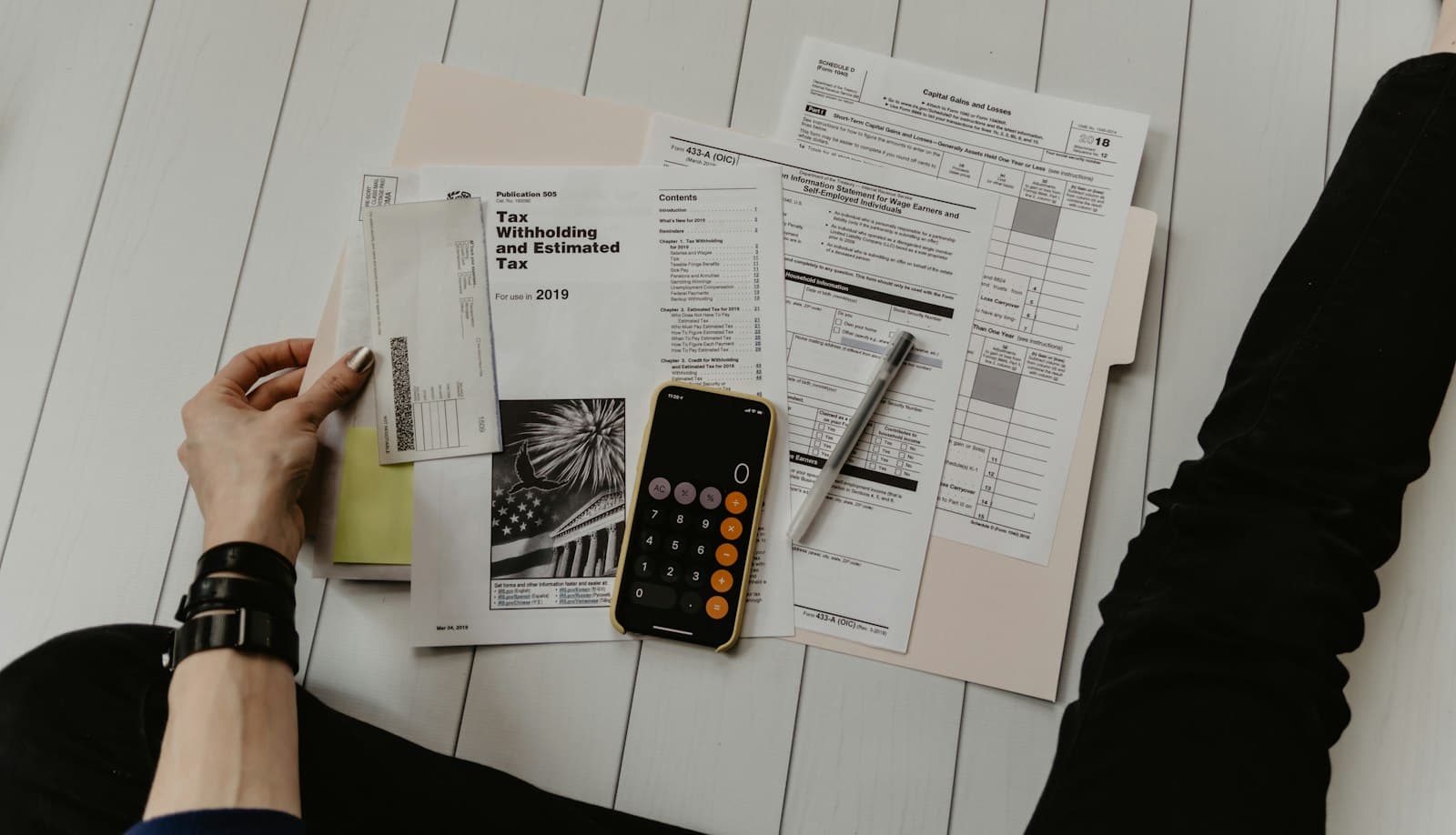
You have compared options and you are ready to get an IPTV subscription in the USA. Before you pay, a handful of practical details are worth settling: the exact price in dollars for the plan you need, how payment and refunds work, whether your devices and internet are ready and how your time zone affects the guide. Sorting these out takes a few minutes and prevents most first-week surprises. Think of it as your IPTV subscription USA checklist.
This guide is a pre-payment checklist tailored to American buyers. For the broader question of which service to choose, see our US viewer checklist.
1. Confirm the exact plan and price in USD
Decide on the number of devices and the duration, then find the exact price for that combination. Avoid comparing a one-device headline price with the multi-device plan you actually need.
At CatchON TV, every plan is priced in US dollars on our pricing page. For example:
| Devices | 1 month | 6 months | 12 months | 24 months |
|---|---|---|---|---|
| 1 | $19.99 | $59.99 | $79.99 | $139.99 |
| 2 | $25.99 | $79.99 | $119.99 | $179.99 |
| 3 | $35.99 | $119.99 | $149.99 | $239.99 |
Four- and five-device plans are listed on the same page.
2. Ask about payment options
Payment methods vary between providers. Before paying, confirm which options are available to you and whether there are any additional fees. At CatchON TV, payment options are confirmed by our team when you subscribe; we do not list payment methods that have not been confirmed.
Tip: payment methods that offer their own dispute processes can give extra peace of mind; check with your bank or payment provider about what applies.
3. Get the refund terms in writing
Ask what happens if the service does not work for you — and get the answer in writing before paying. If a provider cannot explain its refund terms, treat that as a warning sign. CatchON TV asks customers to contact us before subscribing for the current refund terms.
4. Check your devices
List every screen you plan to use and confirm a compatible player exists for each:
- Fire TV / Firestick: wide app choice, including apps installed outside the Appstore with care
- Roku: very limited, because third-party apps cannot be sideloaded — see IPTV options on Roku
- Smart TVs: app availability depends on brand, model and region
- Apple TV, iPhone, iPad: App Store apps; iPhone and iPad are confirmed for CatchON TV
- Android TV / Google TV: the widest choice of players
You can check compatible devices or ask us about any device not listed.
5. Check your internet plan
Look at your speed, stability and any monthly data cap. Several simultaneous HD streams, or 4K where available, need headroom. If your main TV is far from the router, consider a wired connection. Our guide to US home internet for IPTV explains ISP types and data caps.
6. Know your time zone settings
The US spans several time zones, and daylight saving time shifts clocks twice a year. After setup, check that your player's time zone is correct so guide listings match your local time.
7. Plan your first evening
Choose which device to set up first, install the player in advance and keep a short list of must-watch channels ready to test. That turns activation into a quick, focused session.
8. Understand what happens after payment
Know how activation works and how you will receive your account details. On CatchON TV, you choose a plan, tap "Subscribe Now", complete the contact form and continue in WhatsApp; after activation you receive your account details and setup instructions. The full process is on how it works.
Pre-payment checklist
| Item | Done? | Notes |
|---|---|---|
| Exact plan and USD price confirmed | Devices × duration | |
| Payment options confirmed | Any fees? | |
| Refund terms in writing | Before paying | |
| Player available for each device | Roku has limits | |
| Internet speed, stability and cap checked | Wired for main TV if possible | |
| Time zone noted | Check after setup | |
| First-evening plan ready | Device, app, must-watch list | |
| Activation process understood | How details will arrive |
First-week surprises US buyers report most
Even with preparation, a few surprises come up often for American subscribers:
- The bedroom TV has no suitable app. Older smart TVs or a Roku in a second room may not support the player you chose. Plan a device for every room before paying.
- The guide is three hours out. A West Coast viewer with an East Coast default, or vice versa. One settings change fixes it.
- Game day uses all the connections. Everyone watches at once and one screen is refused. Choose devices for your busiest moment.
- The data cap arrives early. 4K streams on several screens use far more data than expected on capped plans.
- The basement is a Wi-Fi dead zone. A mesh system or a wired connection solves what looks like a service problem.
Each of these is easy to prevent once you know about it — which is the point of the checklist above.
Why this matters
Most frustrations in the first week — a TV with no compatible app, an unexpected fee, a guide three hours out, a data cap reached mid-month — come from details that could have been checked beforehand. Ten minutes with this checklist saves hours later.
Questions about subscribing to IPTV in the USA
Are IPTV subscription prices in the USA usually per month?
Many IPTV plans are prepaid for a fixed period, such as one, six, twelve or twenty-four months, with prices depending on the number of devices. Always compare the total for the exact plan you need.
Can I get an IPTV subscription if I only have a Roku?
Options are limited because Roku does not allow sideloading of third-party apps. Many Roku owners add another streaming device or use screen mirroring.
Should I check my data cap before subscribing?
Yes. Streaming several HD or 4K streams can use a lot of data, and some US internet plans include monthly caps.
How do I start a CatchON TV subscription?
Choose a plan on the pricing page and tap Subscribe Now. Your plan is added to the contact form, and you continue the request with our team on WhatsApp.
Ready, with no surprises
An IPTV subscription in the USA goes smoothly when the details are settled first: the right plan in dollars, clear payment and refund answers, compatible devices, a capable internet plan and correct time zone settings. With those in place, see available subscription options or contact CatchON TV with any remaining questions.