Providers & Services6 min read
IPTV Service Providers and the Delivery Chain: Who Is Responsible for What?
When IPTV misbehaves, knowing which link in the chain is responsible saves time. Here is how the provider, app, device and internet connection divide the work.
By CatchON TV Team
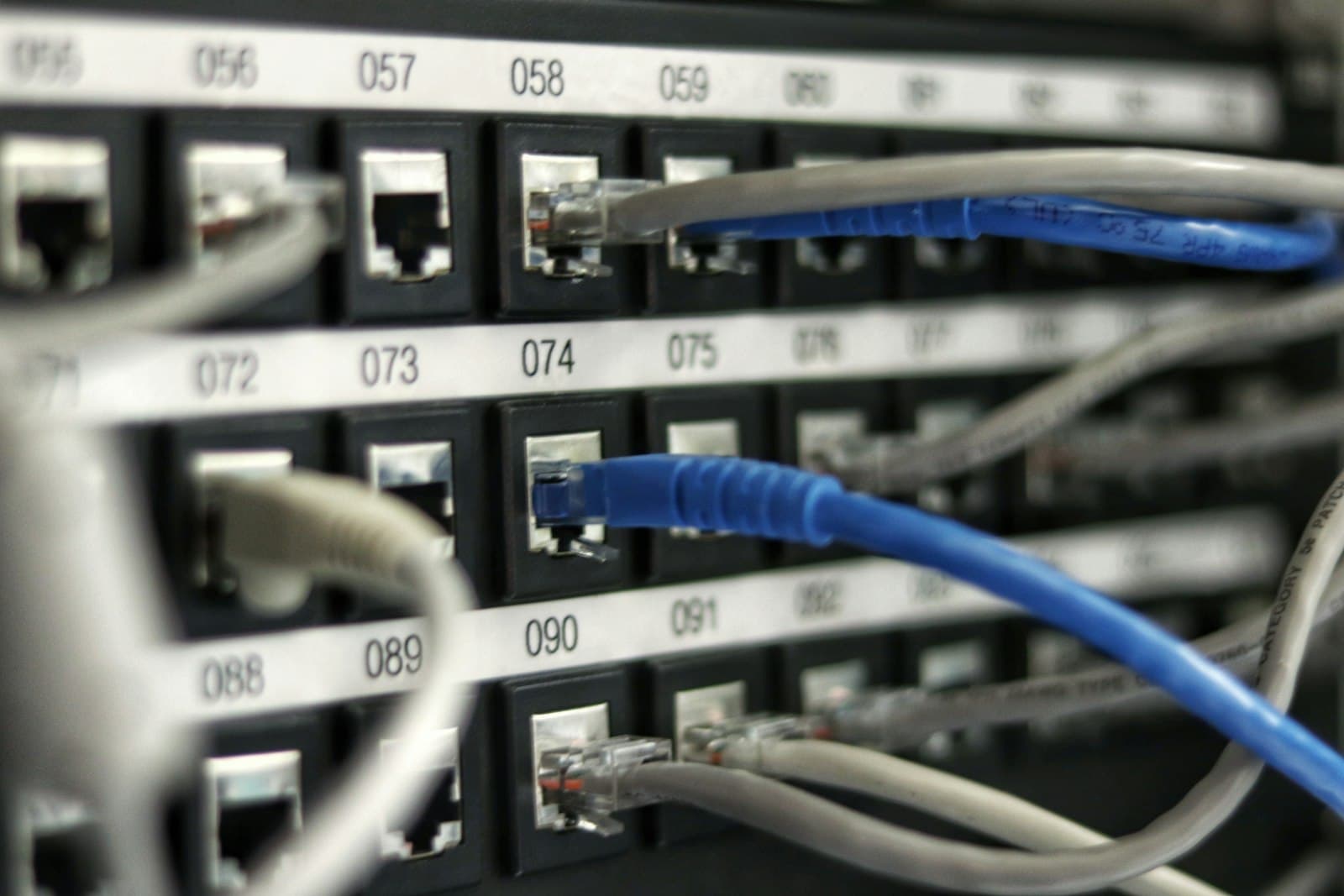
A stream of live TV passes through several hands before it reaches your sofa. The IPTV service provider is one of them, but so are the developer of your player app, the maker of your device and the company that supplies your internet. Each is responsible for a different link in the chain. Knowing how IPTV service providers fit into that chain is the fastest way to solve problems.
When everything works, you never think about this. When something goes wrong, knowing who does what turns a frustrating guessing game into a quick fix. This guide maps the chain and gives you a simple way to decide who to contact.
The five links in the IPTV chain
Think of IPTV as a relay race with five runners:
- The content source — the channel or rights holder whose programmes are being delivered.
- The IPTV service provider — the company that operates the service, organises the streams and manages your account.
- Your internet service provider (ISP) — the company that carries data into your home.
- Your device — the smart TV, streaming stick, box, phone or computer you watch on.
- The player app — the software that reads your account details and plays the streams.
A problem in any link can look the same on screen: a spinning wheel, a black picture or an error. The trick is to work out which runner dropped the baton.
Link 1: the content source
Content sources decide what is broadcast and when. If a programme is replaced at short notice, or an event is not shown in your region, that is usually a decision upstream of your service provider. Availability of channels and events depends on distribution rights, which vary by territory and change over time.
Typical symptoms: a schedule change, a programme that is unavailable in your region, a channel that has been renamed or rebranded.
Link 2: the IPTV service provider
The IPTV service provider keeps the streams running, maps guide data to each channel and controls your account — including its expiry date and connection limit. It also provides support for problems within the service.
Typical symptoms: one specific channel will not play while others work, guide listings are missing or wrong for particular channels, your account shows as expired, or you receive a "too many connections" message.
This is the link CatchON TV is responsible for as a provider. If you are a subscriber and something here looks wrong, contact our team with the channel name and the time you noticed it.
Link 3: your internet service provider
Your ISP carries all of that data into your home. Speed, stability, congestion at busy times and any traffic management all affect streaming. Many IPTV "service" problems are really network problems.
Typical symptoms: every channel buffers, quality drops at the same time each evening, other streaming apps are also slow, or problems disappear when you use a different network.
Our guide to IPTV streaming and home network performance explains how to test this link.
Link 4: your device
Devices vary enormously in processing power, memory and network hardware. An older streaming stick with little free storage can struggle with high-bitrate channels that play smoothly on a newer box.
Typical symptoms: stuttering on high-quality channels only, the app becoming slower over time, overheating, or problems that do not occur on another device in the same home.
Link 5: the player app
Player apps are usually built by independent developers. They handle how channels are listed, how the guide is displayed and how streams are decoded. App updates can add features — or occasionally introduce bugs.
Typical symptoms: crashes, settings that do not save, a guide that displays incorrectly in one app but correctly in another, or problems that started straight after an app update.
Who to contact: a quick decision table
| What you see | Most likely link | Who to contact first |
|---|---|---|
| One channel fails, others work | IPTV service provider | Your provider's support |
| Every channel buffers | Internet or Wi-Fi | Check your network, then your ISP |
| Guide wrong on some channels | IPTV service provider | Your provider's support |
| Guide wrong on all channels by the same hours | Player or device time settings | Check time zone and EPG offset |
| App crashes or settings vanish | Player app | App developer / app update |
| Only one device struggles | Device | Restart, free storage, try another device |
| Programme missing in your region | Content source / rights | Nothing to fix — it is a rights matter |
A five-minute isolation test
When you are not sure which link is responsible, work through these steps:
- Try another channel. If others work, the issue is probably specific to that channel — tell your provider.
- Try another app or device. If the problem disappears, focus on the original device or app.
- Test your internet. Run a speed test on the same device and try a different streaming app.
- Restart the chain. Restart the router, then the device, then open the player again.
- Note the details. If you contact support, include the channel, time, device, app and what you have already tried.
Those notes turn a vague "it's not working" into a message support can act on quickly.
Shared responsibility in practice
Some problems genuinely involve two links at once. A busy evening can stretch both a provider's servers and your ISP's local network. A new app update might expose a quirk in how a channel is encoded. In these cases, the most productive approach is cooperative: share clear details with your provider, try the suggestions they give and, if needed, check with the app developer or your ISP as well.
Good providers understand this. Rather than immediately blaming the network or the app, they look at what they can check on their side, then help you narrow down the rest.
Why the chain matters when choosing a service
Understanding the chain also helps before you subscribe. A provider can only control its own link, so be wary of claims that promise perfect results everywhere. A good IPTV service provider explains which parts are its responsibility, gives device-specific setup help and is honest about the rest.
If you are still comparing providers, our overview of what IPTV providers do behind the scenes explains the provider link in more depth.
Questions about the IPTV delivery chain
Can my internet provider affect IPTV even if my speed test looks fine?
Yes. Speed tests measure a short burst to one server. Congestion at busy times, unstable Wi-Fi or traffic management can still affect a continuous video stream.
Why does one app show the guide correctly but another does not?
Apps handle guide data and time settings differently. If the service's guide works in one app, the difference is likely in the other app's settings or time-offset options.
Should I contact my IPTV provider or the app developer about crashes?
App crashes are usually a matter for the app developer, especially if they started after an update. Your provider can still help by suggesting another compatible player.
What details help support solve a problem faster?
The channel name, the time the problem occurred, your device and app, and the steps you have already tried. Screenshots of error messages also help.
Following the baton
IPTV works because five links cooperate. When something fails, identify the link before you look for a fix — it is the fastest route back to watching. And when you choose an IPTV service provider, choose one that is clear about its own link and helpful about the rest. See how CatchON TV works or check compatible devices to get started.