Subscriptions & Buying4 min read
Buy IPTV: What You Are Actually Buying (and What to Avoid)
"Buying IPTV" can mean buying a subscription, a device, an app — or all three. Here is your shopping list, and the purchases to steer clear of.
By CatchON TV Team
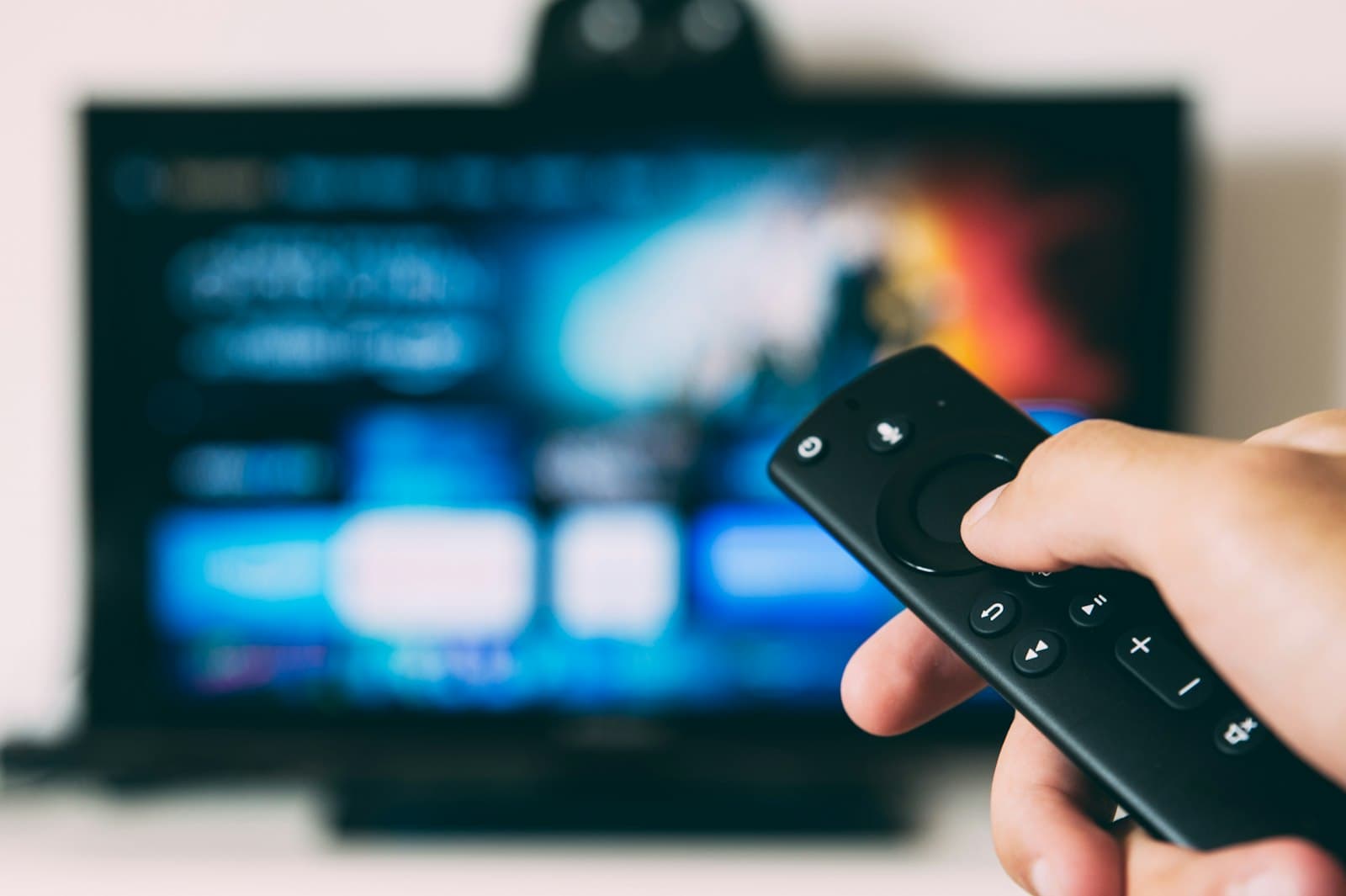
When people decide to buy IPTV, they often are not sure what they are buying. Is it a box? An app? A subscription? The answer is that IPTV involves up to three separate purchases — and you may already own two of them. Understanding the difference saves money and helps you avoid products that sound convenient but create problems later.
This guide sets out the IPTV shopping list, what each item does, which ones you actually need and what to avoid. When you are ready to buy the subscription itself, our pre-purchase checklist covers payment and terms.
The three things you might buy
1. A subscription (almost always needed)
The subscription is access to an IPTV service: live channels, on-demand content, guide data, your account and support, for a chosen period and number of devices. This is the core purchase.
At CatchON TV, subscriptions are priced by devices and duration — from $19.99 for one device for one month — on our pricing page.
2. A device (sometimes needed)
You need something that can run a player app. Many people already have a suitable device: a smart TV with a good app store, a streaming stick, a phone, a tablet or a computer. You only need to buy a device if none of your screens can run a suitable player — for example, an older TV or a Roku-only household.
3. An app (sometimes free, sometimes paid)
The player app connects your device to the service. Many players are free or have free versions; some offer paid premium features or require a one-time activation on certain smart TVs. App purchases go to the app developer, not the IPTV provider — see provider subscriptions versus app purchases.
Your shopping list, by situation
| Your situation | Subscription | Device | App |
|---|---|---|---|
| Recent smart TV with a suitable player | Yes | No | Free or paid, depending on the player |
| Older TV with HDMI | Yes | Streaming stick or box | Usually free |
| Watch mainly on iPhone or iPad | Yes | No | From the App Store |
| Roku-only household | Yes | Possibly a second device | Depends on the device |
| Watch at a desk | Yes | No (PC or Mac) | Free or paid |
What you do not need to buy
- A satellite dish or cable installation — IPTV uses your internet connection.
- An expensive new TV — any TV with HDMI can use a streaming device.
- Multiple premium apps — one good player is enough.
- Channel "packs" from third parties — channels come with your subscription.
Purchases to avoid
"Fully loaded" boxes
Some sellers offer boxes pre-configured with channels or subscriptions. They can be hard to update, may come with unknown software, and often leave you unclear about who provides the service or who to contact when it stops working. Buy a mainstream streaming device and a subscription from a provider you can contact directly.
Modified apps
"Premium unlocked" versions of paid apps from unofficial sites can carry security risks and receive no support. Use official stores and developers.
Deals that seem impossible
Lifetime subscriptions for a tiny one-off price, "every channel in the world" or "guaranteed" access to every event are warning signs. Our guide to red flags among providers lists more.
Sellers you cannot reach
If there is no way to ask a question before paying, there is unlikely to be a way to get help afterwards.
The order to buy in
- Check your devices first. Can any of your screens run a suitable player? See our devices page and our guide to IPTV apps across platforms.
- Buy a device only if needed. Choose a mainstream, current model.
- Choose the subscription. Pick devices and duration; start short if you are new.
- Install the player. Use the free version first.
- Upgrade the app only if you need a premium feature.
Three households, three shopping lists
The couple with a recent smart TV. Their TV's app store has a suitable player, and they also watch on an iPad. They buy one thing: a two-device subscription. Total additional purchases: none.
The family with an older living-room TV. The TV has HDMI but outdated apps. They buy a mainstream 4K streaming stick for the living room and a subscription covering three devices, and use free players on their tablets. One device purchase, one subscription.
The enthusiast. They already own an Android TV box and want recording and multi-view. They buy a subscription and a premium upgrade for their favourite player, paid to the app developer. Two purchases, two companies, each for a clear reason.
None of these households bought a "fully loaded" box, a bundle of apps or anything they did not need.
Budgeting the whole setup
Add up the full cost:
- Subscription for your chosen devices and duration
- Device, if any
- App purchase, if any
- Any internet upgrade, if your connection cannot keep up
For many households, the subscription is the only real cost, because their TVs, phones and tablets already run suitable players.
Questions about buying IPTV
Do I need to buy a box to get IPTV?
Not necessarily. Many smart TVs, streaming sticks, phones, tablets and computers you already own can run IPTV player apps.
Should I buy a "fully loaded" IPTV box?
It is better to avoid them. A mainstream streaming device plus a subscription from a provider you can contact is easier to update, support and trust.
Is the IPTV app included when I buy a subscription?
Usually not. The app is a separate product from an independent developer, often free or with optional paid features.
Buy what you need, nothing more
Buying IPTV means buying access — a subscription — and, only if necessary, a device and an app. Check what you already own, avoid pre-loaded boxes and modified apps, and buy from providers you can reach. When you are ready for the subscription, see CatchON TV plans or ask us a question.